
Track your project's stage and dates
Record how far along a quilt is and when you started and finished it.
Updated Nov 16, 2026 · iPhone, Android and web · 2 min read
Set a stage on each project to show where it is in the process. Your project page shows a progress bar, and My Projects counts the quilts you have completed.
Set the stage
- Open the project and tap Edit Project.
- Find Stage of Project and tap the menu.
- Choose a stage.
- Tap Save.
On a new project the stage starts at Started.
- Open the project and select Edit Project.
- Under Stage of Project, select a stage. Select it again to clear it.
- Select Save.
The stages, in order, are: Started, Fabric Chosen & Acquired, Pieces Cut, Blocks Made, Rows Assembled, Quilt Top Done, Backing Ready, Binding Made, Quilted, Quilt Bound and Completed.
Set the dates
Use Date Started and Date Completed to record when you began and finished. They show on the project page. Setting a completed date does not change the stage, so also choose Completed as the stage when the quilt is done.
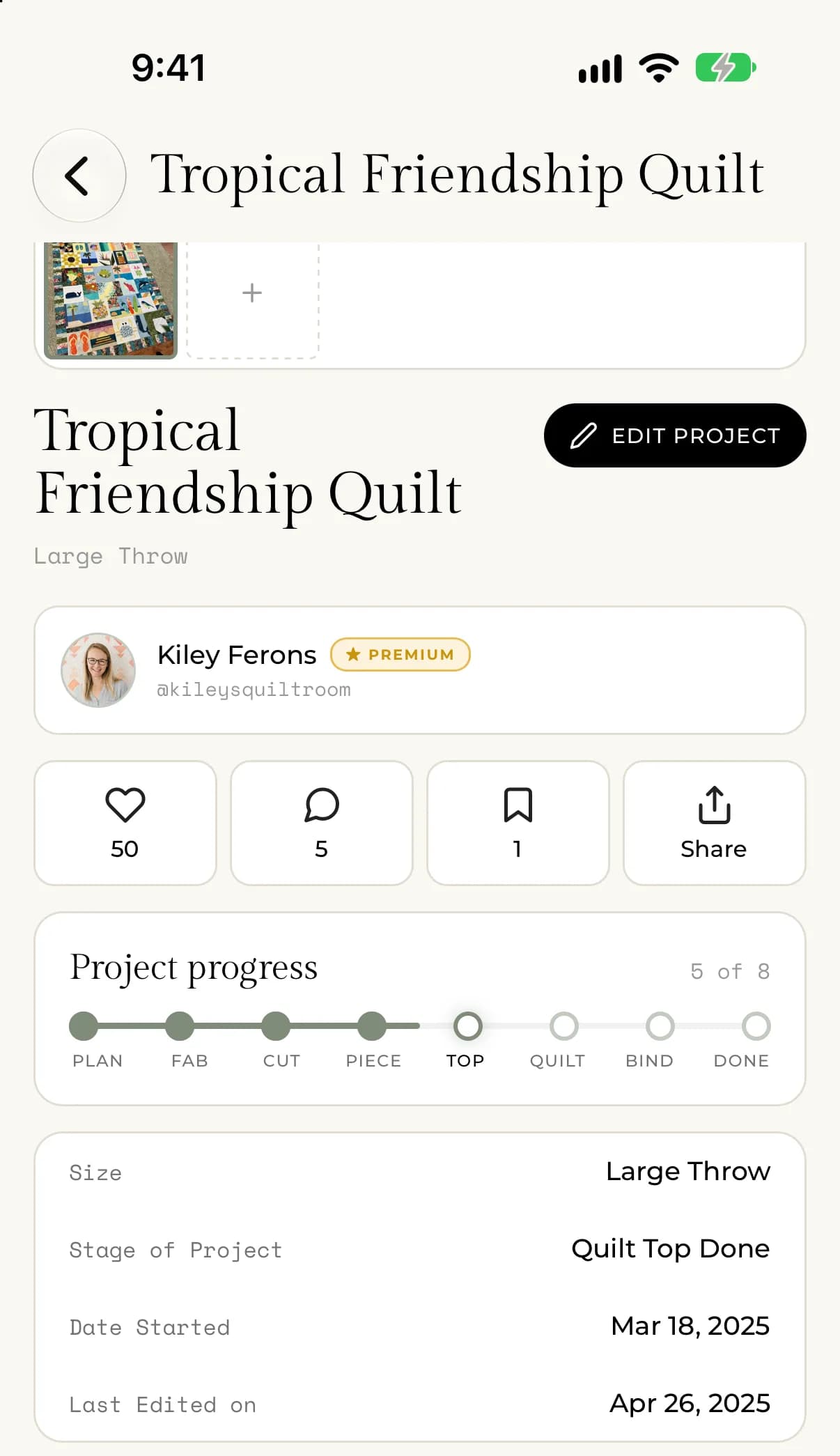
Where the stage shows
- On the project page, the Project progress card shows how far along the quilt is.
- In My Projects, the Completed count and the Completed and In Progress filters use the stage. A project counts as completed when its stage is Completed.
To find projects by stage, see Filter and sort My Projects.