
Projects
Create a quilt project
Start a project with photos and details, then save it to My Projects.
Updated Nov 16, 2026 · iPhone, Android and web · 2 min read
Show steps for
A project is where you keep photos, details and notes for one quilt. Only a name is required, so you can start with the basics and add more later.
Start a project
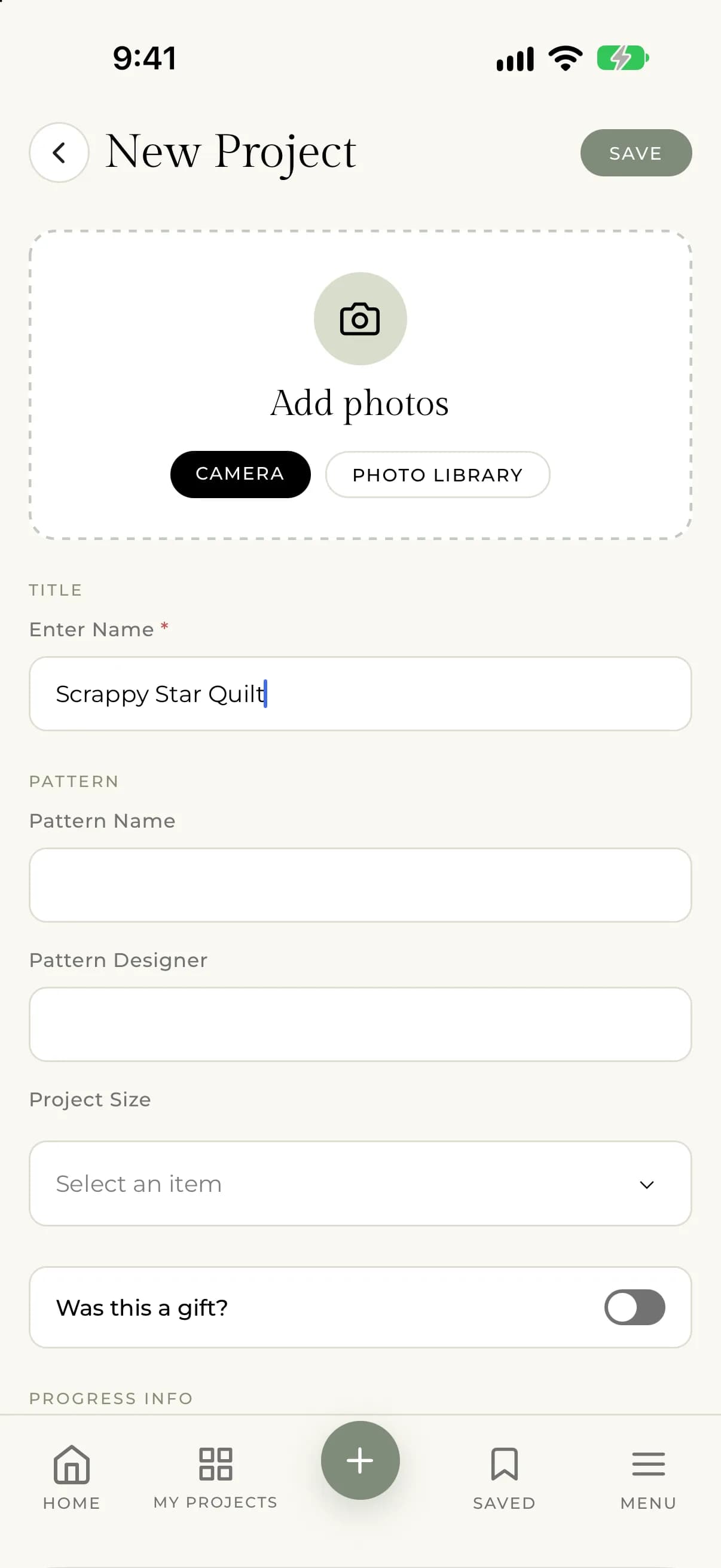
- Tap the + button in the middle of the bottom bar.
- Under Add photos, tap Camera to take a photo or Photo Library to choose existing ones. You can skip photos and add them later.
- Type a name in Enter Name. This is the only required field.
- Fill in anything else you want. Every section is optional: pattern, progress info, journal entry and tags.
- Check the Privacy section. Make project public controls whether other quilters can see the project in Discover.
- Tap Save at the top.
You will see "Your project was saved successfully!" and land on My Projects.
- Select New project at the top of the page.
- Add photos by dragging them into the photo area or selecting browse files.
- Type a name in Project Name. This is the only required field.
- Fill in any other details you want.
- Choose how to save: select Create Project to publish it, or Save Draft to keep it private while you finish.
A project saved as a draft is private. When you save it, you go to the project page.
What you can add
- Photos. See Add and manage project photos.
- Stage and dates. See Track your project's stage and dates.
- Pattern, fabric and quilting details. See Record pattern, fabric and quilting details.
- A journal entry. See Keep a project journal.
If something goes wrong
- If you see "There was an unexpected error while saving your project. Please try again.", check your connection and save again. If it keeps happening, contact support@myquilts.app.
- If you see "An error occurred while processing one of your images. The project has been saved, but you may need to try uploading the image again.", open the project, choose Edit Project and add the photo again.