
Set the default visibility for new projects and journals
Choose whether new projects and journal entries start out public or private.
Updated Nov 16, 2026 · iPhone, Android and web · 2 min read
When you create a project, My Quilts has to decide whether other quilters can see it. Your default settings answer that for you, so every new project starts the way you prefer. You can still change any single project.
Set your defaults
- Tap Menu at the bottom of the screen, then tap Settings.
- Tap Privacy Settings.
- Set Default Project Visibility to On or Off.
- Set Default Journal Entry Visibility to On or Off.
On the web, select Settings in the sidebar, then select the Privacy tab.
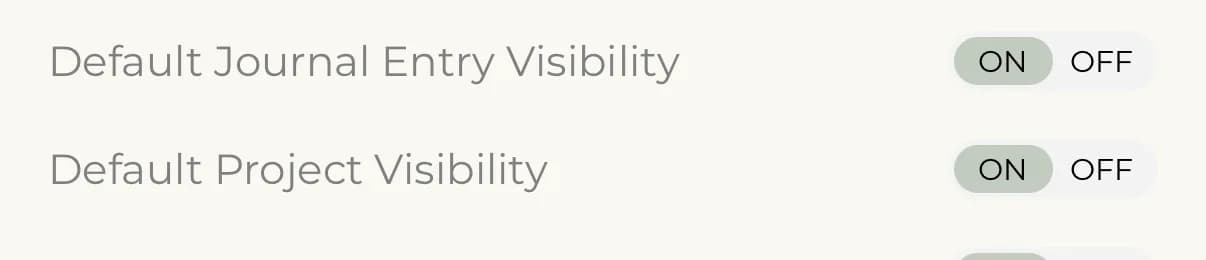
- Default Project Visibility On means new projects start out public. Off means they start out private.
- Default Journal Entry Visibility On means the journal entry of a new project starts out public. Off means it starts out private.
What the defaults change
On iPhone and Android, the defaults set the starting position of the Make project public and Make journal entry public switches when you create a project. Your existing projects keep the setting they already have.
On the web, the project form always starts with both switches turned on, so check them before you save a new project. See Make a project public or private.
Change a single project
Open the project, tap Edit Project, and change Make project public or Make journal entry public. This changes that project only, not your defaults.