
Choose what others see on your profile
Decide whether your first name, last name and email address are shown to other quilters.
Updated Nov 16, 2026 · iPhone, Android and web · 2 min read
Other quilters always see your username. Your first name, last name and email address are up to you. Each one has its own setting, shown as an On / Off control.
Change what is shown
- Tap Menu at the bottom of the screen, then tap Settings.
- Tap Privacy Settings.
- Set First Name, Last Name and Email Address to On or Off.
On the web, select Settings in the sidebar, then select the Privacy tab. The same settings are there.
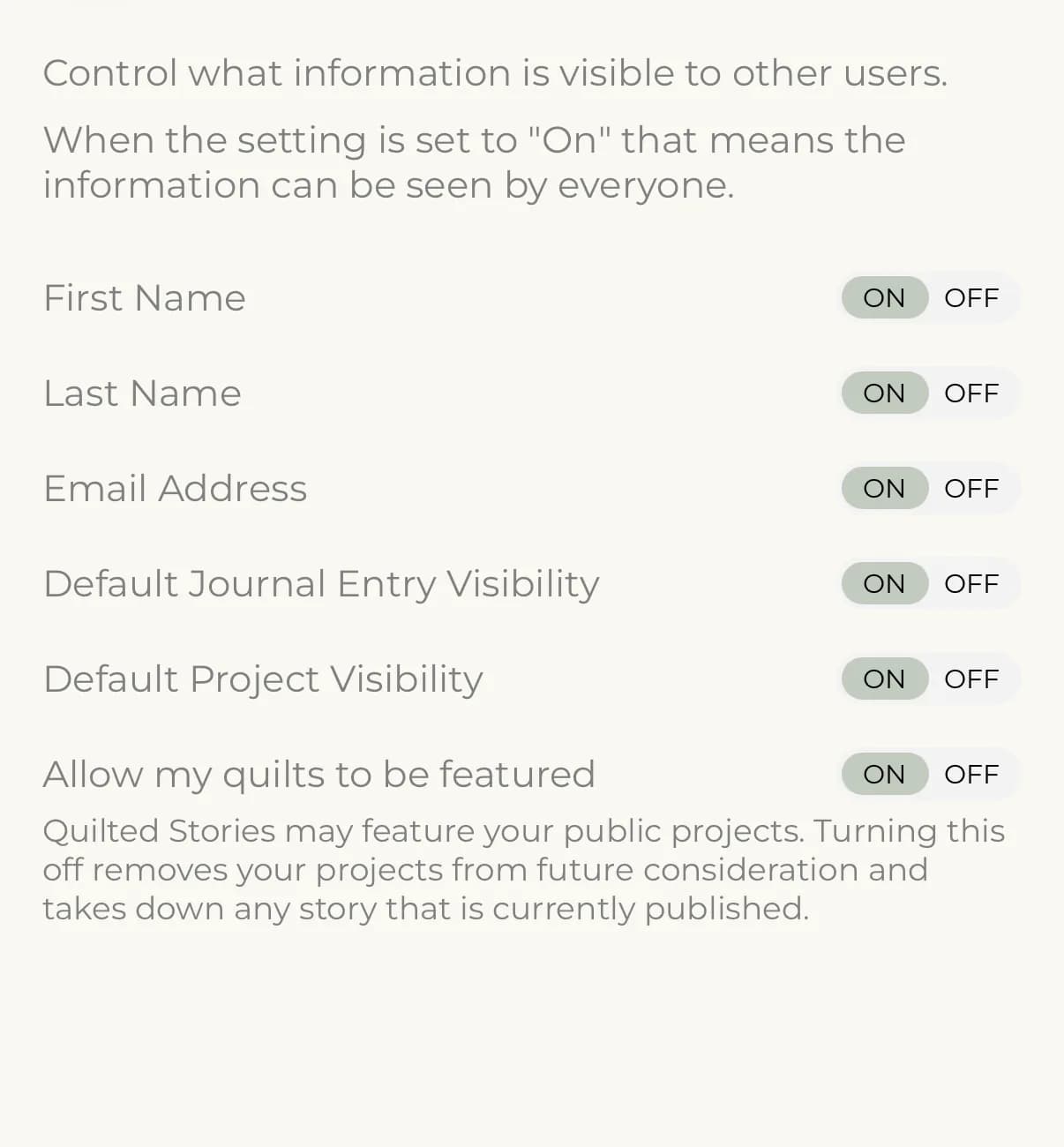
When a setting is On, everyone can see that information. When it is Off, it stays hidden from other people. You always see your own details on your own profile.
Your changes take effect right away. You don't need to tap a save button.
Where your name shows
Your name appears on your profile. If you turn off both First Name and Last Name, people see only your username.
Quilted Stories featuring
On iPhone and Android, Privacy Settings also has an Allow my quilts to be featured setting. Set it to Off if you don't want your public projects considered for Quilted Stories.
If something goes wrong
If a setting won't change, check your connection and try again.