
Half-square triangles
Cut sizes for single, 2, 4 and 8 at a time half-square triangles, with the steps for each method.
Updated Nov 16, 2026 · iPhone, Android and web · 3 min read
A half-square triangle (HST) is a square made of two triangles. The HST sheet shows four ways to make them and gives you the size to cut your squares for any finished size.
Choose a method
Tap Cheat Sheets, then Half Square Triangles, then pick a method: Single HST, 2 at a time HSTs, 4 at a time HSTs or 8 at a time HSTs.
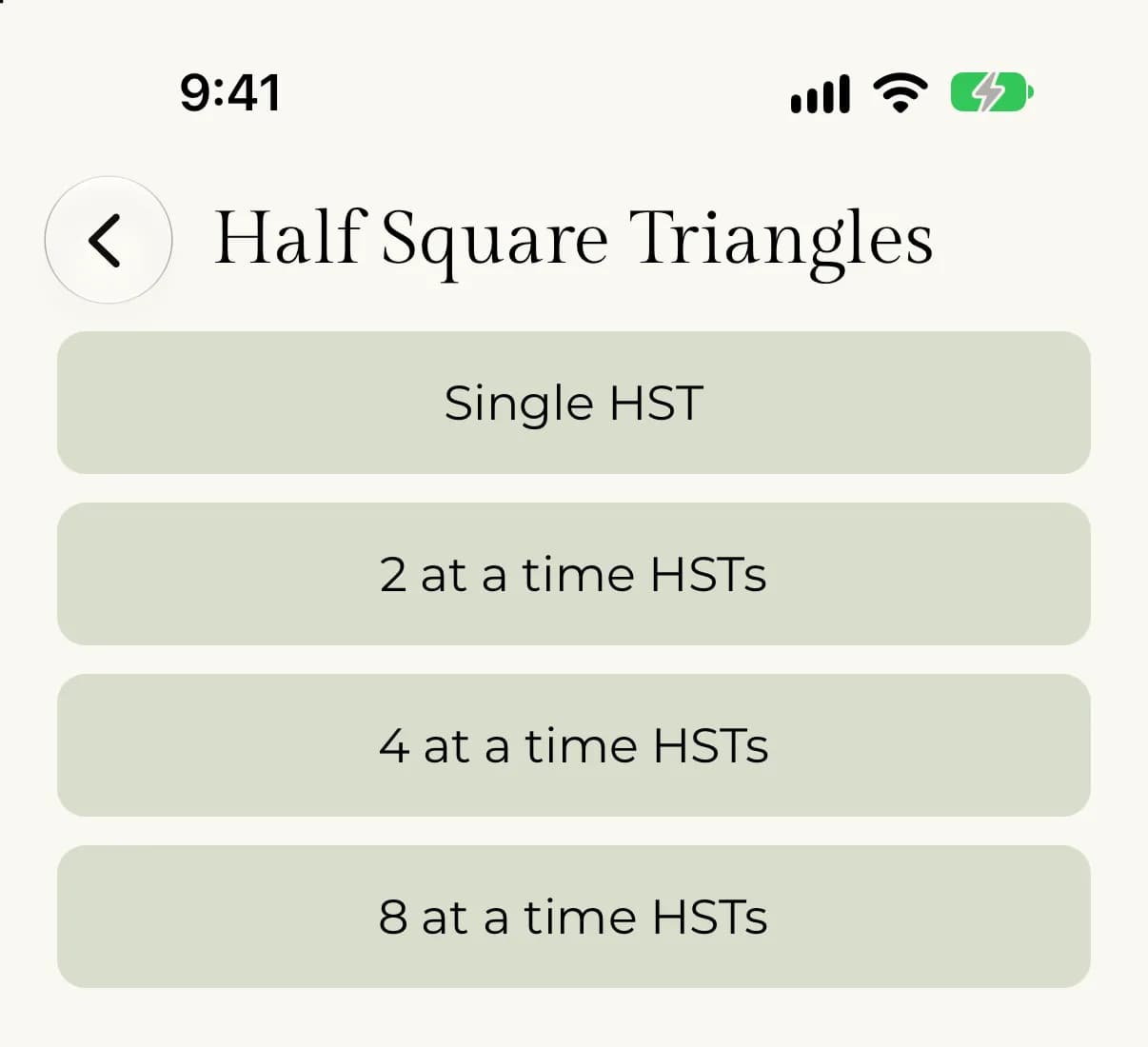
Select Half-Square Triangles in the sheet list, then choose Single, 2 at a time, 4 at a time or 8 at a time next to Method.
Each method has written steps and a diagram. In short:
- Single: place two squares right sides together, mark a diagonal on the lighter fabric and sew on the line. Trim 1/4" from the sewn line and press the seam to one side. Whatever finished size you want, add 1/2" and cut both fabric squares at that size.
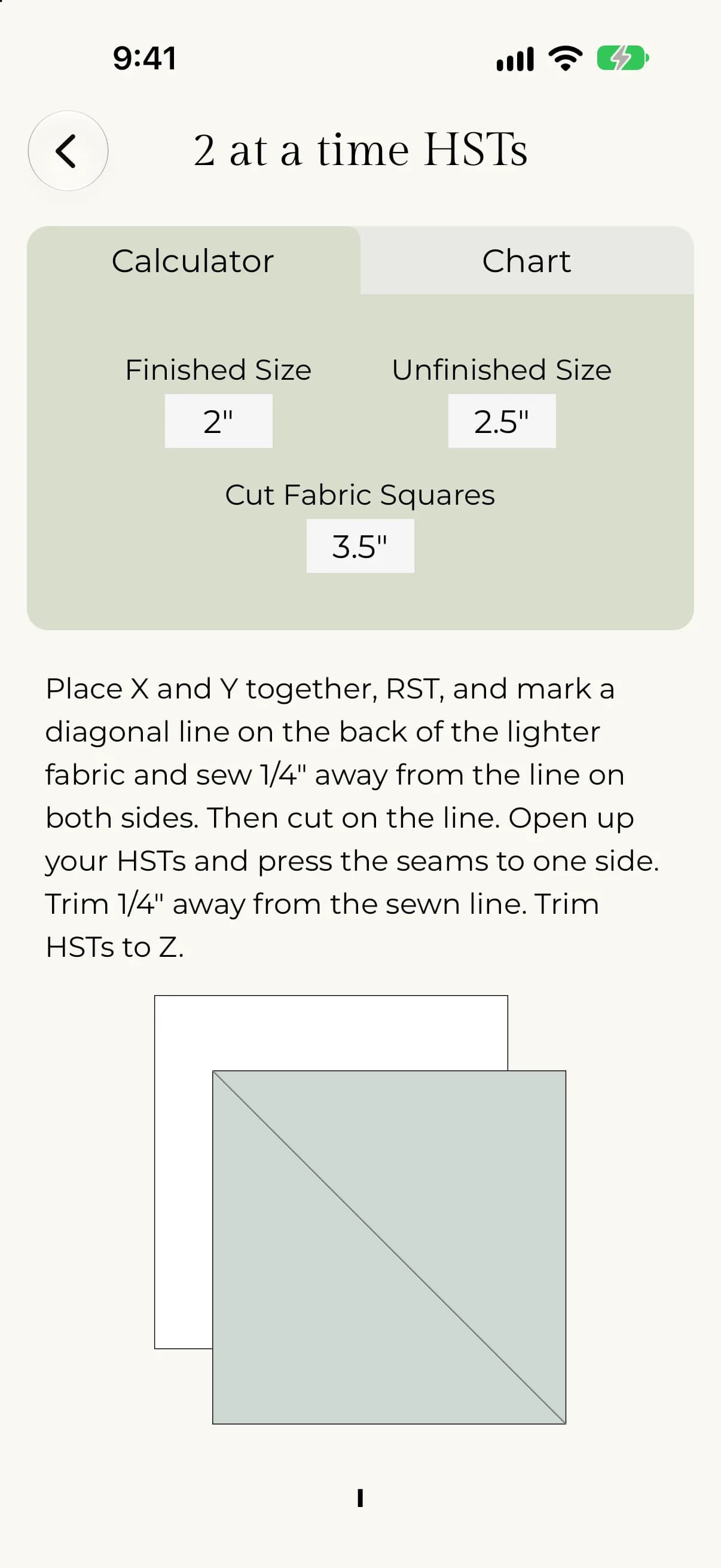
- 2 at a time: mark a diagonal, sew 1/4" away on both sides of it, then cut on the line.
- 4 at a time: mark two diagonals through the center, sew 1/4" away from all 4 sides, then cut on both diagonals.
- 8 at a time: mark two diagonals and two perpendicular lines through the center. Sew 1/4" away from both sides of each diagonal line only, then cut on every line.
For the 2, 4 and 8 at a time methods, open your HSTs, press the seams to one side and trim.
Find your cut size
The single method has no calculator, because the rule is simple: finished size plus 1/2". The other three methods have a calculator and a chart.
- On the method screen, stay on the Calculator tab.
- Tap Finished Size and pick the size you want to make.
- Read Unfinished Size and Cut Fabric Squares.
- Tap Chart to see every size in a table.
- Choose a method.
- Next to Finished size, use − and + or type a number.
- Read the Finished, Unfinished, Cut squares and Makes cards.
- Check the Reference chart below. Your size is highlighted.
Unfinished size is always the finished size plus 1/2". The cut size depends on the method. For a finished 2" HST:
- 2 at a time: cut squares at 3.5" (finished size plus 1.5").
- 4 at a time: cut squares at 4.5".
- 8 at a time: cut squares at 6.5" (twice the finished size, plus 2.5").
The charts run from a 1" finished HST up to 12.5".
Next, see Half-rectangle triangles for the same idea with rectangles.