
Build your shopping list
Add supplies by hand or straight from a fabric in your stash.
Updated Nov 16, 2026 · iPhone, Android and web · 3 min read
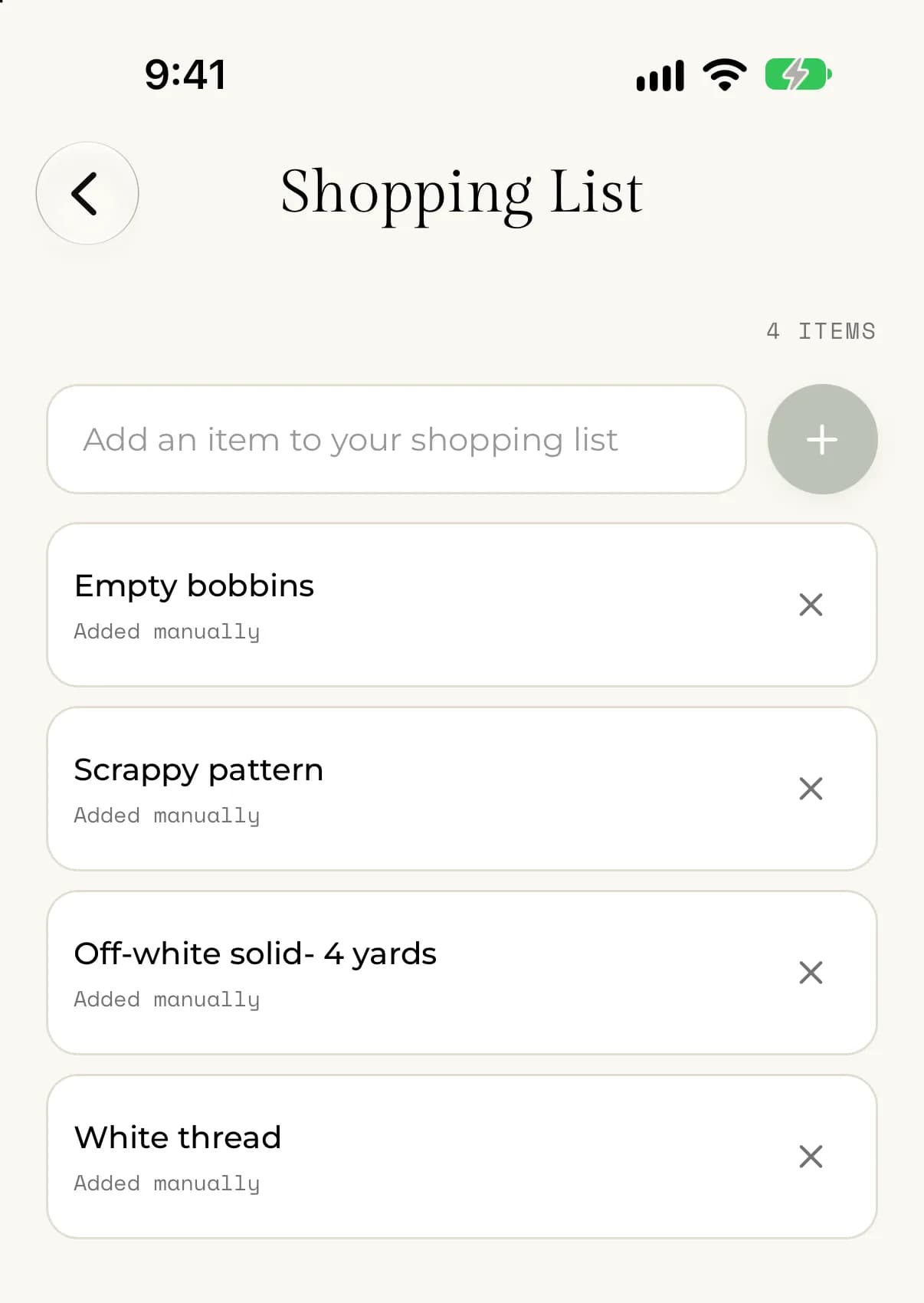
Your Shopping List is a running list of the supplies you need, such as fabric, thread, batting, needles, or anything else for your next quilt. It is saved to your account, so it is there on your phone and on the web.
Add an item by hand
- Open the menu and tap Shopping List.
- Tap the box that says Add an item to your shopping list.
- Type the item, for example "Aurifil 50wt thread, cream".
- Tap the + button, or press return on your keyboard.
On the web, select Shopping List in the sidebar, type in the box, and select Add.
The new item appears at the top of the list, marked Added manually. The count above the list, for example "3 ITEMS", goes up by one. An item can be up to 120 characters long.
Add a fabric from your stash
You can put a fabric you want to buy more of on your list without retyping it.
- Open Fabric Stash and tap the fabric.
- Tap Add to Shopping List.
- Wait for "Added to your shopping list".
On the web the button reads Add to shopping list.
The item shows the fabric's name and a small picture of the fabric, and is marked From your Fabric Stash. The fabric in your stash is not changed.
Remove an item
- Open the menu and tap Shopping List.
- Find the item you bought.
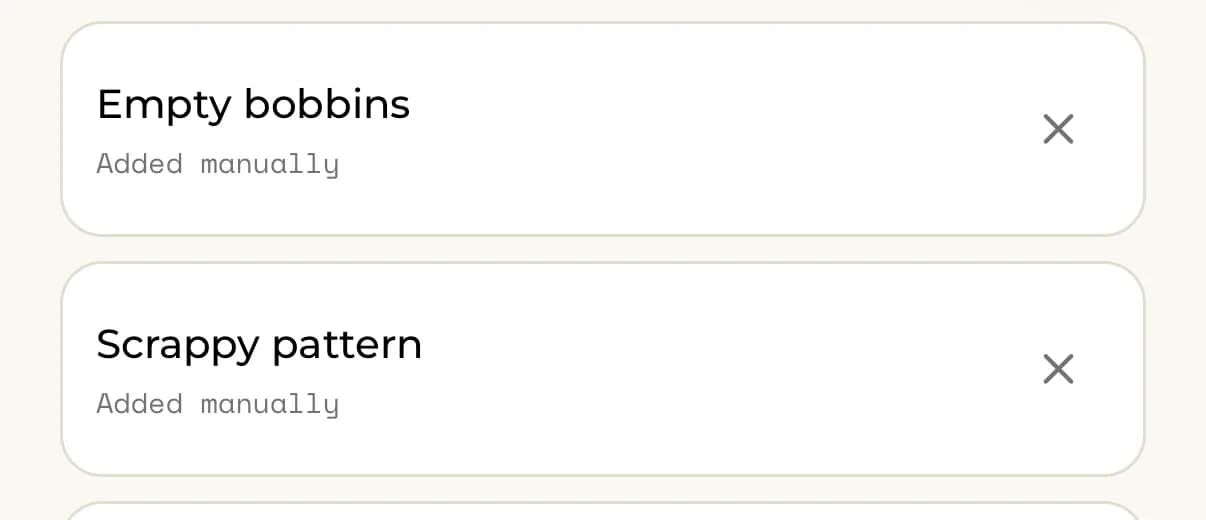
- Tap (or, on the web, select) the x at the right of the item.
The item disappears and the count above the list goes down. Removing an item can't be undone, but you can add it again. There is no button to clear the whole list at once, so to empty it, remove each item.
Removing an item doesn't change your Fabric Stash. To record fabric you bought, add it to your stash. See Add a fabric with a photo.
If something goes wrong
- If you see "Enter an item before adding it.", type something into the box first.
- If you see "We couldn't add that item. Please try again.", check your connection and add it again.
- If you see "We couldn't remove that item. Please try again.", check your connection and try again.
- If you see "We couldn't load your shopping list", check your connection and tap Try again.
- If the Shopping List asks you to go Premium, your account doesn't have Premium yet. See What's included with Premium.