
Find your way around
Where to find your projects, saved items, tools and settings.
Updated Nov 16, 2026 · iPhone, Android and web · 2 min read
My Quilts keeps its main areas one tap away. The mobile app uses a tab bar and a side menu. The website uses a sidebar.
The tab bar
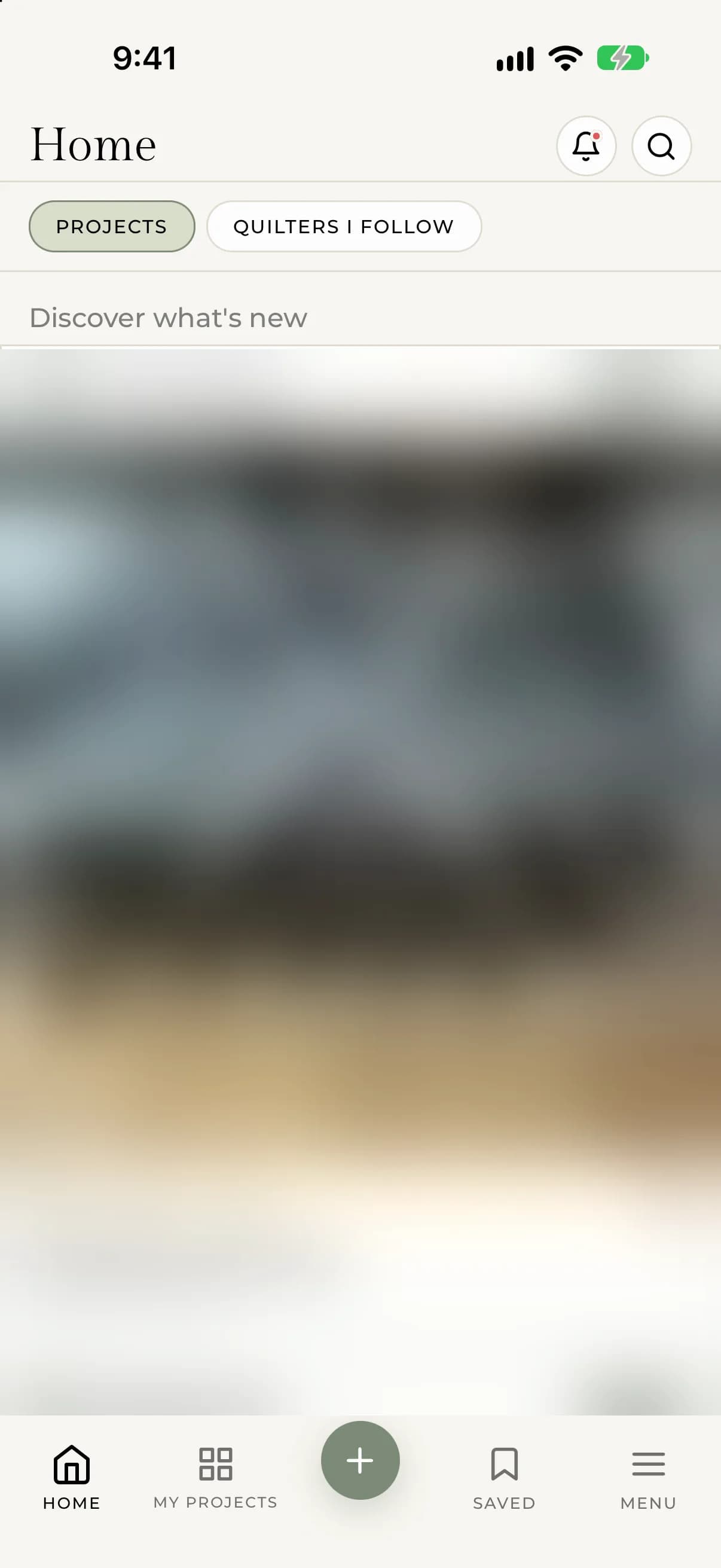
The bar at the bottom of the screen has these tabs:
- Home. The Discover feed. Switch between Projects (public projects from everyone) and Quilters I Follow.
- My Projects. All your own projects.
- + (the round button in the middle). Start a new project.
- Saved. Projects you have saved.
- Menu. Opens the side menu.
On Home, the bell at the top right opens Notifications, and the magnifying glass opens Search.
If you are signed out, My Projects, Saved and + take you to the sign-in screen.
The side menu
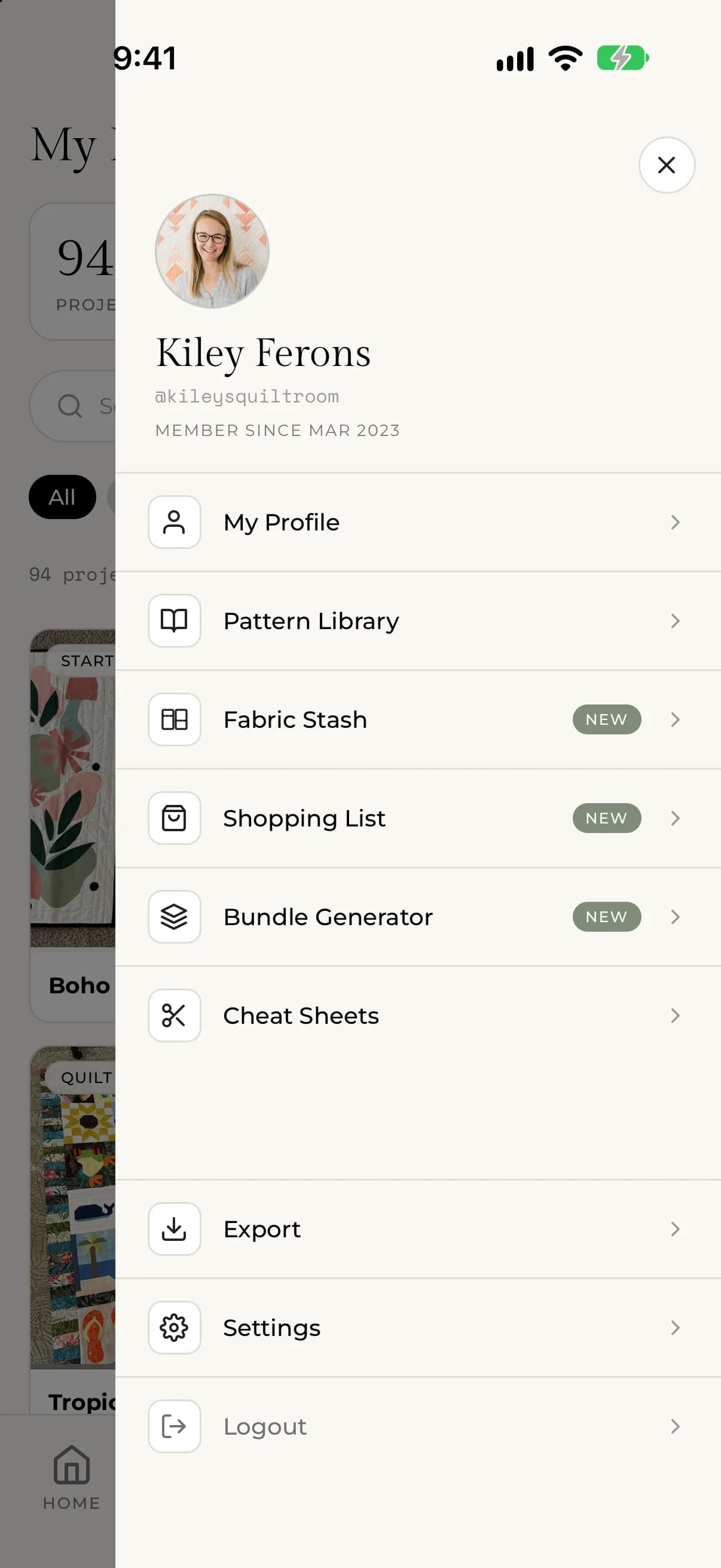
Tap Menu to open it. It shows your name and username, then:
- My Profile
- Go Premium (until you subscribe)
- Pattern Library, Fabric Stash, Shopping List and Bundle Generator, which are part of Premium
- Cheat Sheets
- Export
- Settings
- Help, which opens this Help Center
- Logout
Settings holds Notification Settings, Privacy Settings, Language settings and your subscription. Help is also in Settings, below your subscription.
The sidebar
On myquilts.app the sidebar is in three groups.
Browse
- Home
- My Projects and Favorites (signed in)
Tools
- Pattern Library, Fabric Stash, Bundle Generator and Shopping List, which are part of Premium
- Cheat Sheets
You (signed in)
- Go Premium (until you subscribe)
- My Profile
- Settings
- Export Projects
Use the New project button at the top to start a project, and the search box to find projects and quilters. The account menu in the top corner has your profile, Settings and Sign out.