
Getting started
Change the app language
Choose one of 12 languages for the app and the website.
Updated Nov 16, 2026 · iPhone, Android and web · 1 min read
Show steps for
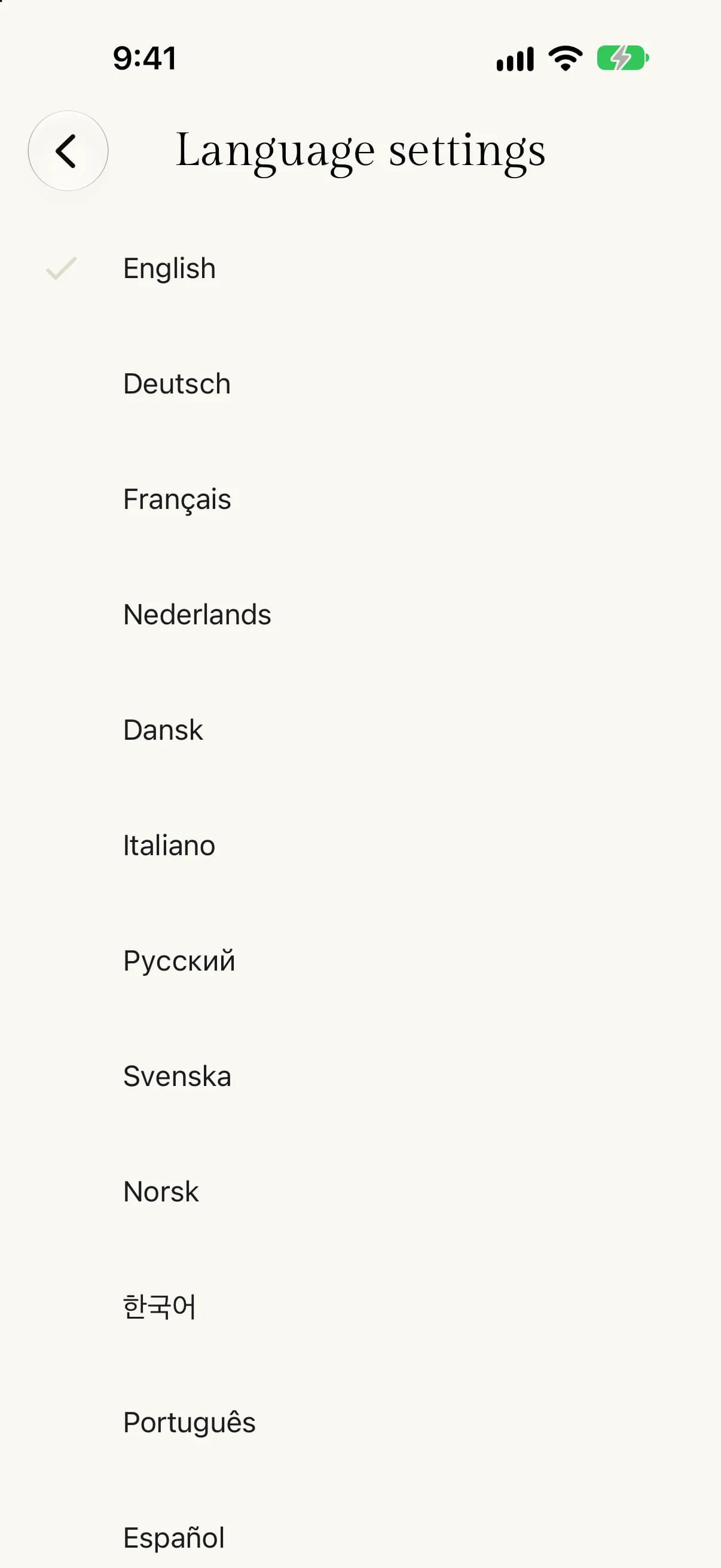
My Quilts is available in 12 languages: English, Deutsch, Français, Nederlands, Dansk, Italiano, Русский, Svenska, Norsk, 한국어, Português and Español. Each language is listed under its own name, so it is easy to find.
How the language is chosen
- Mobile app. It starts in your phone's language if My Quilts supports it, and in English if not. Once you pick a language yourself, the app remembers it.
- Website. It uses the language you picked before. If you have not picked one, it uses your browser's language, and English if that language is not supported.
Change the language
- Tap Menu, then tap Settings.
- Tap Language settings.
- Tap the language you want.
The app changes straight away.
- Open the account menu and select Settings, or select Settings in the sidebar.
- Select the Language tab.
- Select the language you want.
The site changes straight away.