
See projects from people you follow
Keep up with new projects from the quilters you follow in one feed.
Updated Nov 16, 2026 · iPhone, Android and web · 1 min read
When you follow a quilter, their new projects show up in a feed of their own, so you don't have to hunt for them in Discover.
Open the feed
- Tap Home at the bottom of the screen.
- Tap the Quilters I Follow tab.
- Scroll to see more. Pull down to refresh.
On the web, select Home in the sidebar, then select the Quilters I follow tab. If you are not signed in, you will see "Sign in to see updates from quilters you follow".
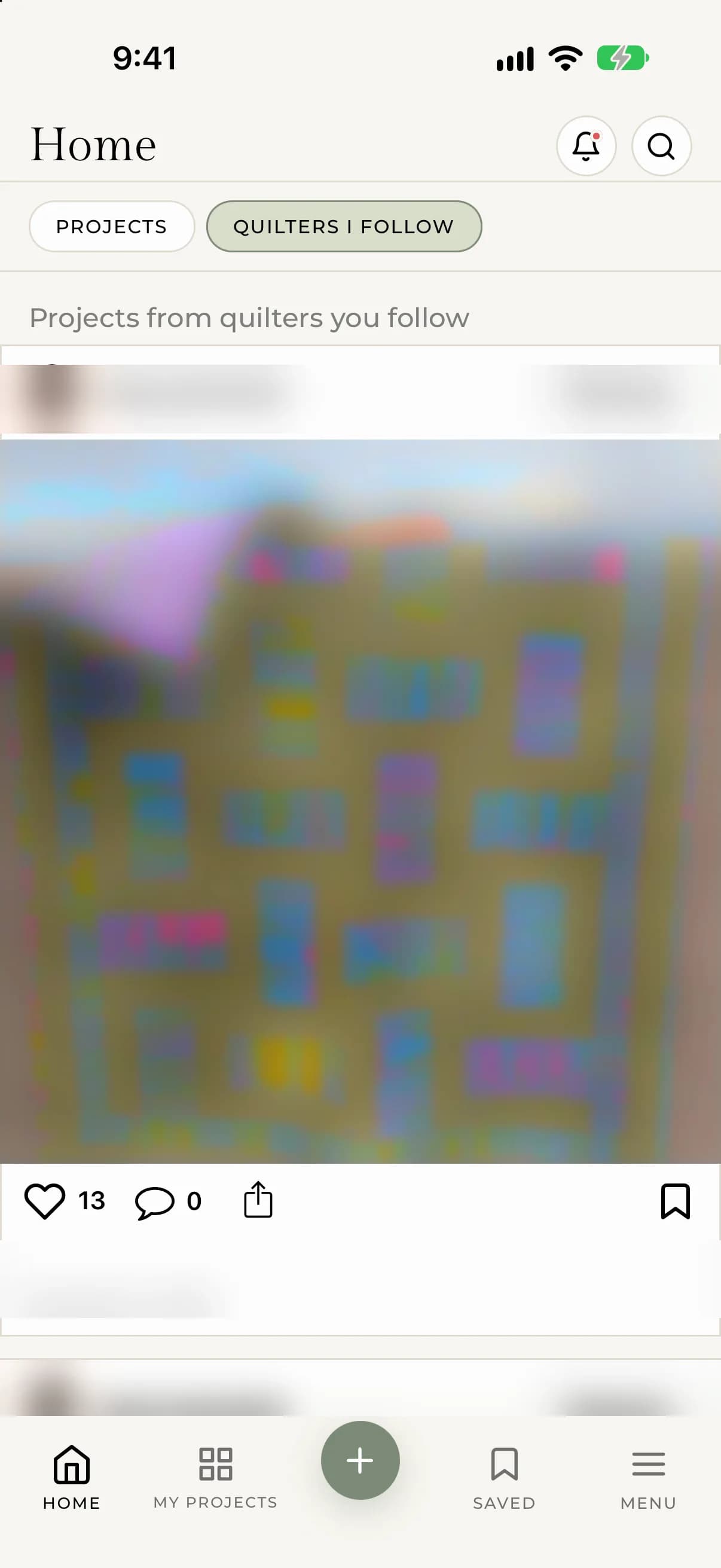
The cards work the same way as in Discover. You can like, comment on, share or save a project right from the feed.
If the feed is empty
The feed stays empty until you follow someone. Follow a few quilters and their projects will appear here. See Follow other quilters.
Get a heads-up about new posts
My Quilts can notify you when a quilter you follow posts a new project. This is the New Post notification. See Choose which notifications you get.