
Follow other quilters
Follow makers whose work you enjoy, and unfollow them any time.
Updated Nov 16, 2026 · iPhone, Android and web · 2 min read
Follow a quilter to see their projects in your Quilters I Follow feed. They can get a notification that you followed them.
Follow from a project card
- Find a project in the feed.
- Tap Follow next to the maker's username.
The button changes to Following. Tap it again to unfollow.
Follow from a profile
- Tap a quilter's username or photo to open their profile.
- Tap Follow.
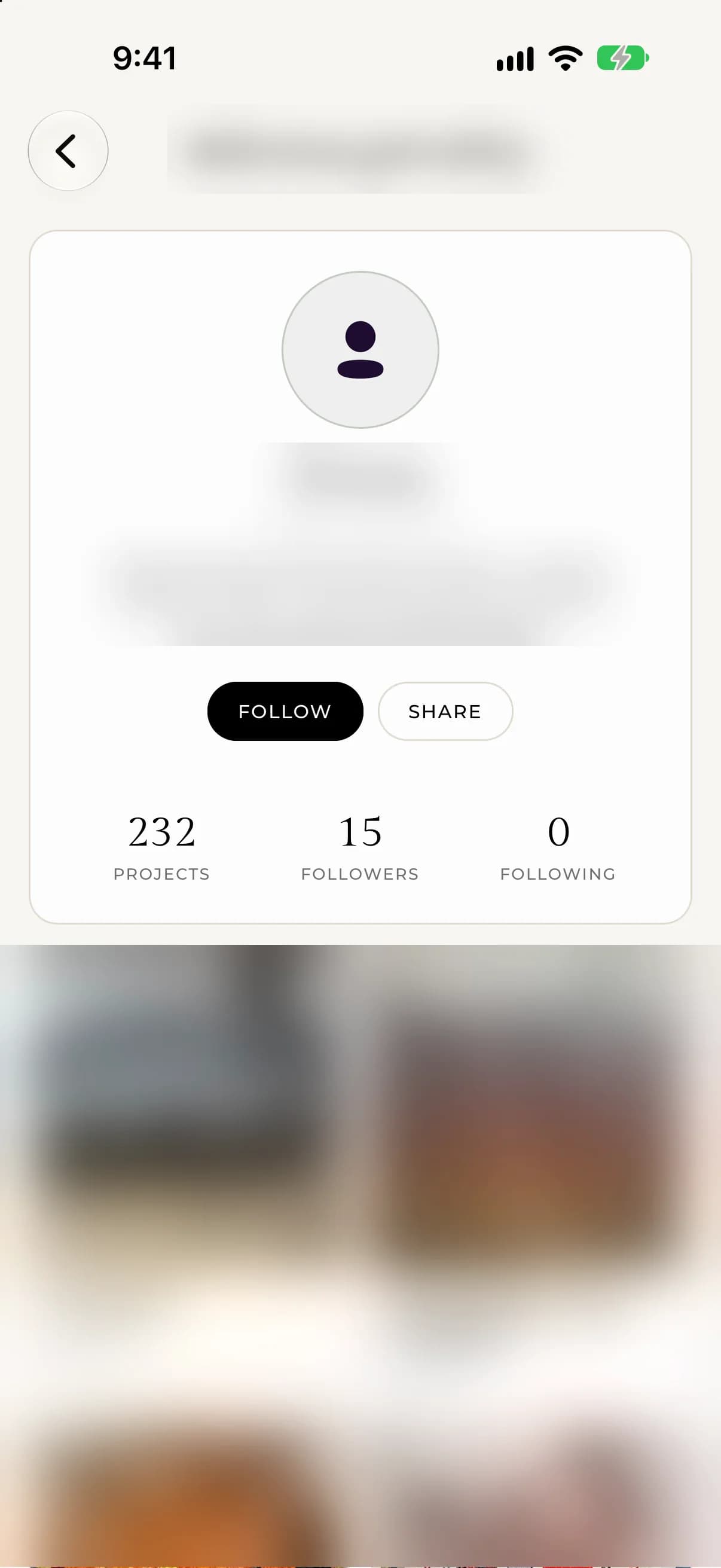
To unfollow, tap Following on their profile.
On the web, the Follow button is on the quilter's profile and in the Quilters to follow box next to the feed. On a profile you follow, the Following button changes to Unfollow when you point at it.
Find quilters to follow
- Look at the Quilters to follow suggestions on the web.
- On iPhone and Android, use search and choose Quilters under Browse. See Search for projects and quilters.
Your followers and the people you follow
On your own profile, tap the Followers or Following count to see the list. These counts are tappable only on your own profile.
You can't follow yourself, so the button does not appear on your own projects.
If something goes wrong
If the button won't change, check your connection and try again. You must be signed in to follow someone.