
Browse the Discover feed
Find inspiration in public quilt projects shared by makers around the world.
Updated Nov 16, 2026 · iPhone, Android and web · 2 min read
The Discover feed shows public quilt projects from other makers. It is a good place to find ideas, and you can look around before you create an account.
Open the Discover feed
- Tap Home at the bottom of the screen.
- Tap the Projects tab at the top.
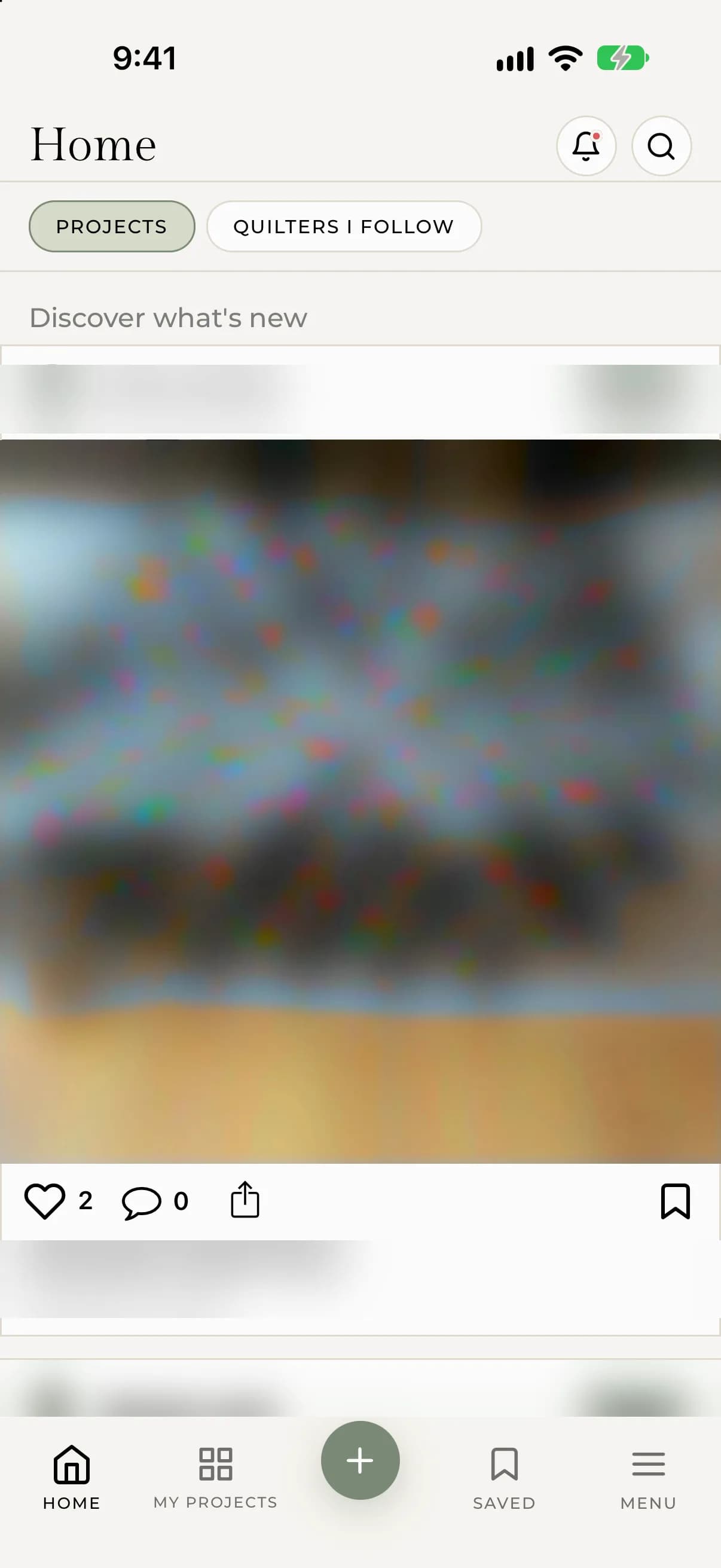
- Scroll to see more projects. Pull down to refresh the feed.
On the web, select Home in the sidebar, then select the Discover tab.
What you see on a project card
Each card shows the maker's username, a swipeable set of photos, the project name, and the start of the journal entry when there is one. Tap read more to expand a long journal entry, or tap the photo or title to open the whole project.
Along the bottom of the card you can like a project, open its comments, share it, or save it. See Like and save projects.
Browsing without an account
You can scroll the feed without signing in. To like, save, comment or follow, you will be asked to sign in or create an account.
If something goes wrong
- If the feed looks empty, you will see "No projects to discover yet". Pull down to refresh, and check your connection.
- Only public projects appear here. If you can't find your own project, check that it is public. See Make a project public or private.