
Manage or cancel your subscription
Change your plan, update payment details or cancel Premium, wherever you subscribed.
Updated Nov 16, 2026 · iPhone, Android and web · 3 min read
You can cancel Premium at any time. Where you do it depends on where you subscribed. If you are not sure, start with Find out where you subscribed.
Deleting the My Quilts app or your account does not cancel your subscription. Cancel it first, in the place below.
Where did you subscribe?
Subscriptions bought through the App Store are managed with your Apple Account.
- Open the Settings app on your iPhone or iPad.
- Tap your name at the top, then tap Subscriptions.
- Tap My Quilts.
- Tap Cancel Subscription and confirm. To change your plan, choose another one on the same screen.
You can also start from My Quilts: tap Menu, then Settings, then Subscription. This opens the subscription screen, with links to manage your subscription in the App Store.
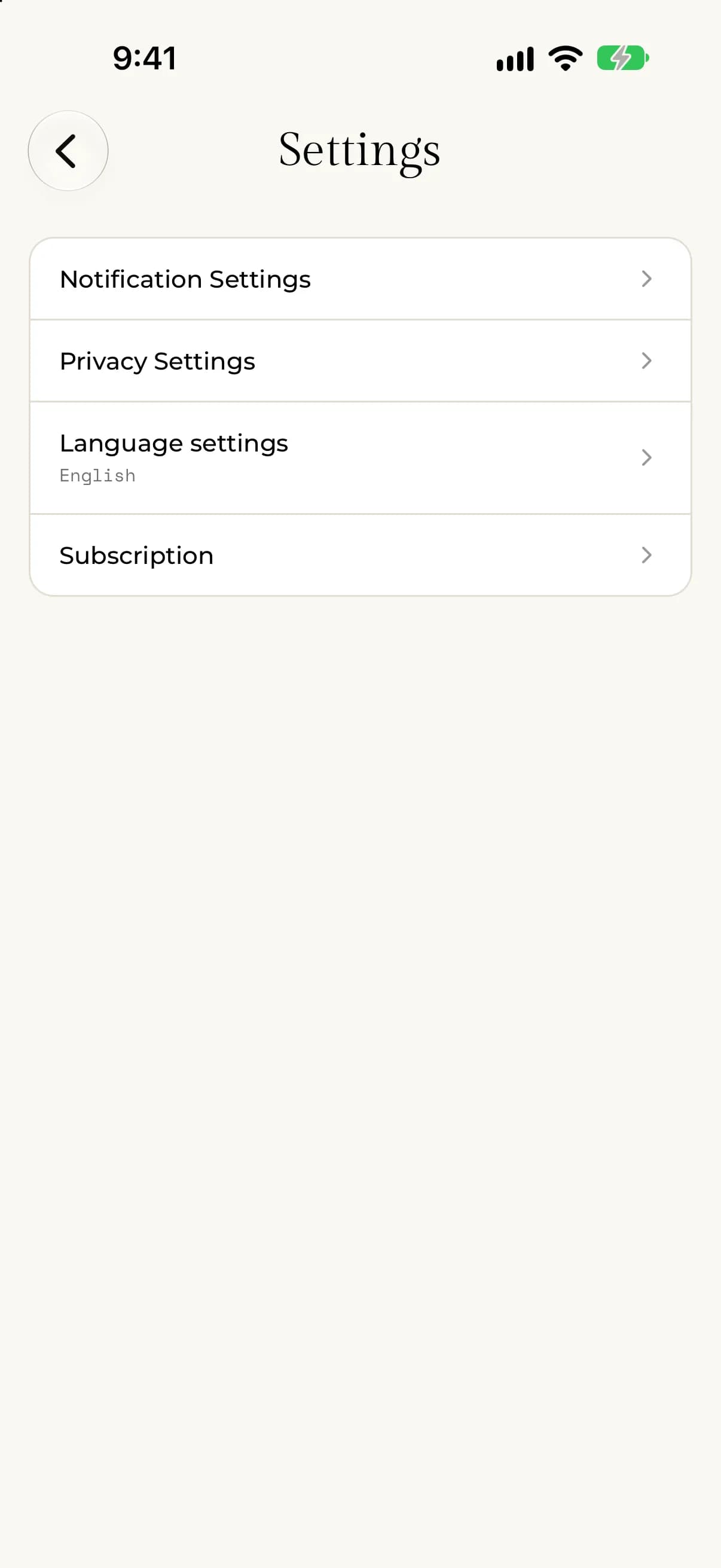
Sign in to the Apple Account you paid with. Subscriptions are tied to that account.
Subscriptions bought through Google Play are managed with your Google account.
- Open the Google Play Store app on your Android phone.
- Tap your profile picture, then tap Payments & subscriptions, then Subscriptions.
- Tap My Quilts.
- Tap Cancel subscription and follow the steps.
You can also start from My Quilts: tap Menu, then Settings, then Subscription. This opens the subscription screen, with links to manage your subscription in Google Play.
Use the Google account you paid with. Subscriptions are tied to that account.
Subscriptions bought on the website are managed from your account settings on myquilts.app.
- Go to myquilts.app and sign in.
- Select Settings in the sidebar, then select the Subscription tab.
- Under Manage Subscription, select Manage Subscription. A customer portal opens in a new tab.
- Update your plan, update your payment method, or cancel your subscription there.
If the Manage Subscription button is not there, the page shows "Need help with your subscription?" Email support@myquilts.app and we will help you change or cancel your plan.
After you cancel
You keep Premium for the time you have already paid for. On the web, Settings then Subscription shows Auto-Renew as Off and an Expires On date. When that date passes, Premium switches off on all your devices, and your projects, photos and journals stay as they are.
Your Fabric Stash, Pattern Library, saved bundles and Shopping List belong to Premium. You can't open them without a subscription. If you subscribe again with the same account, see Use Premium on another device.
If something goes wrong
- You can't find My Quilts in your subscriptions. You may have subscribed with a different Apple Account, Google account, or My Quilts account. Check each one.
- The Subscription tab on the web says the subscription is managed through a store. Cancel there, not on the website.
Need a hand? Email support@myquilts.app.