
Subscribe to Premium
Choose a monthly or annual plan on your phone or on the web.
Updated Nov 16, 2026 · iPhone, Android and web · 2 min read
You can subscribe to Premium in the iPhone app, in the Android app, or on the website. Plans are monthly or annual, and you can cancel any time. Whichever you choose, Premium works on all your devices once you are signed in.
Before you subscribe, make sure you are signed in to the My Quilts account you want to upgrade.
Subscribe in the app
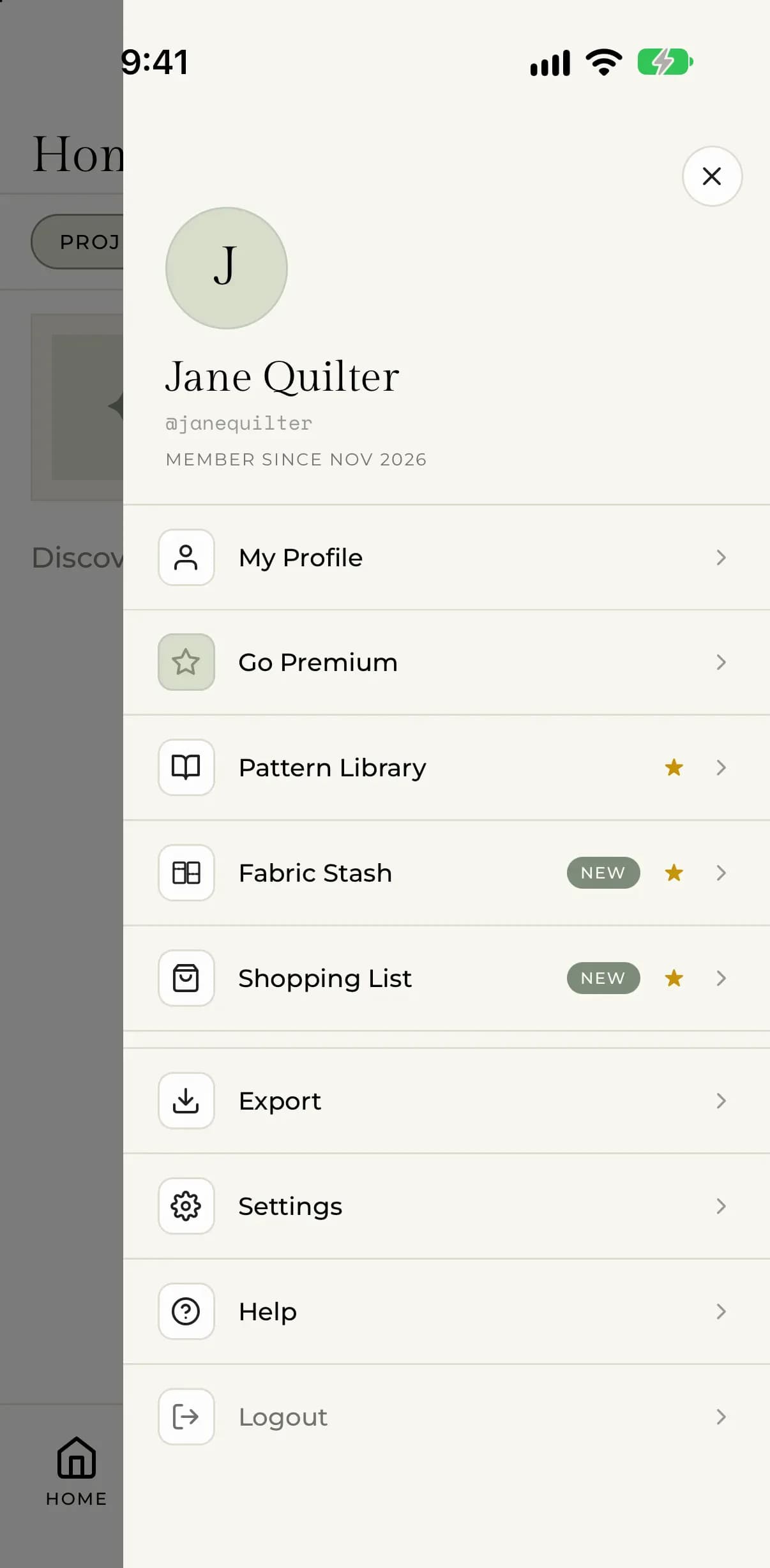
- Tap Menu at the bottom of the screen.
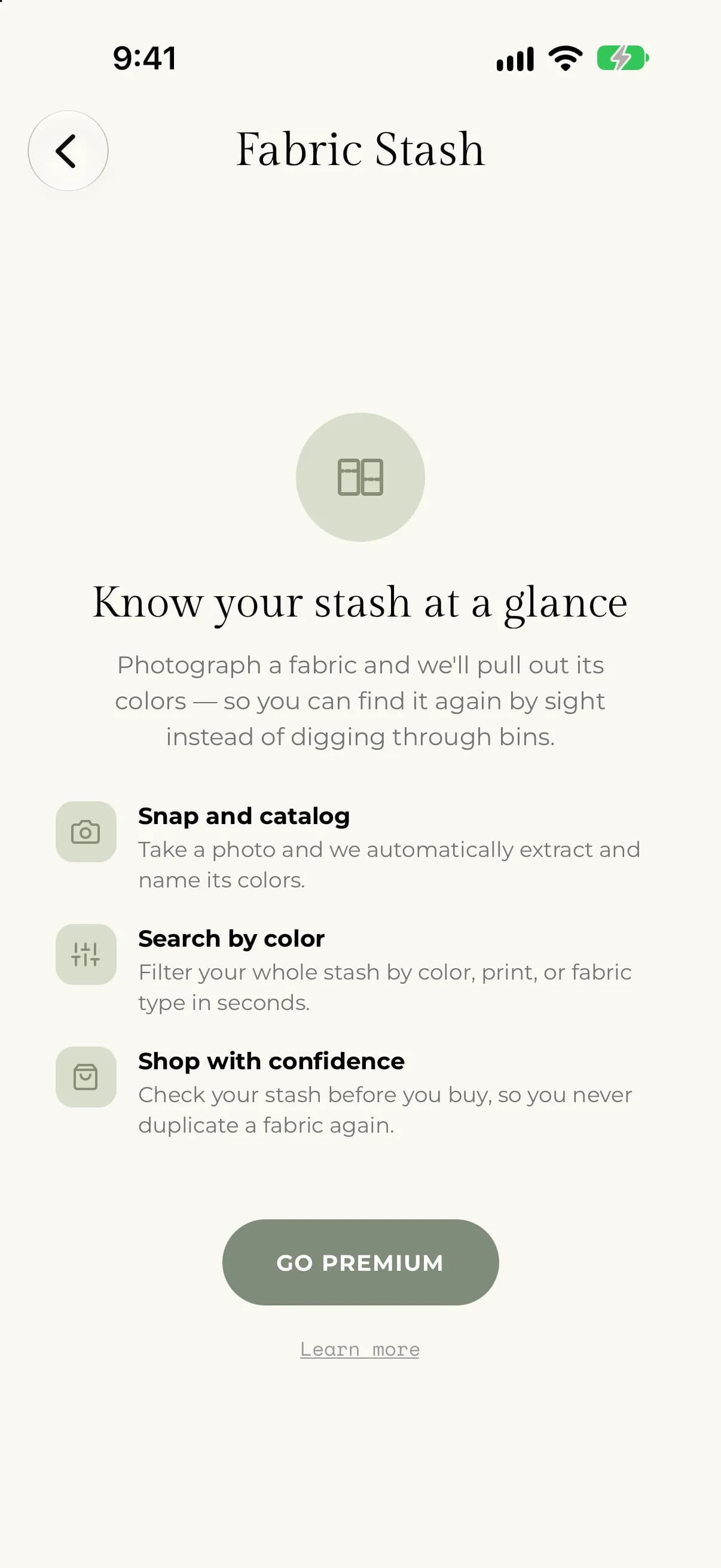
- Tap Go Premium.
- Pick a plan on the screen that opens.
- Confirm the purchase when your phone asks.
You can also tap Go Premium on the page that appears when you open a Premium tool without a subscription, or tap Menu, then Settings, then Go Premium.
Your phone's store handles the payment: the App Store on iPhone, Google Play on Android. The plan screen shows the price in your local currency before you confirm.
- Select Go Premium in the sidebar. You can also open Settings, select the Subscription tab, and select Choose Plan.
- Pick yearly or monthly. The yearly plan is marked Best value.
- Select Upgrade now and complete the payment.
The plan cards show the price before you pay. Select Maybe later to close the window without subscribing.
After you subscribe
Premium turns on right away on the device you used. The Premium tools lose their badges, and the ads go away. To use Premium on your other devices, see Use Premium on another device.
To check which store your subscription is with, see Find out where you subscribed.
If something goes wrong
- Unable to complete purchase. Check your connection and try again. If you cancel the payment yourself, nothing is charged and nothing changes.
- You paid, but Premium isn't showing. See My Premium isn't showing.
- Already subscribed on another device. You don't need to pay again. Sign in with the same account and see Use Premium on another device.
Still stuck? Email support@myquilts.app.